Sourcing checklist
Data Center Hardware RFQ Checklist
Data center hardware RFQ packages need drawings, revisions, quantities, inspection needs, timing, and supplier scope. Use this complete checklist.
How to use this guide
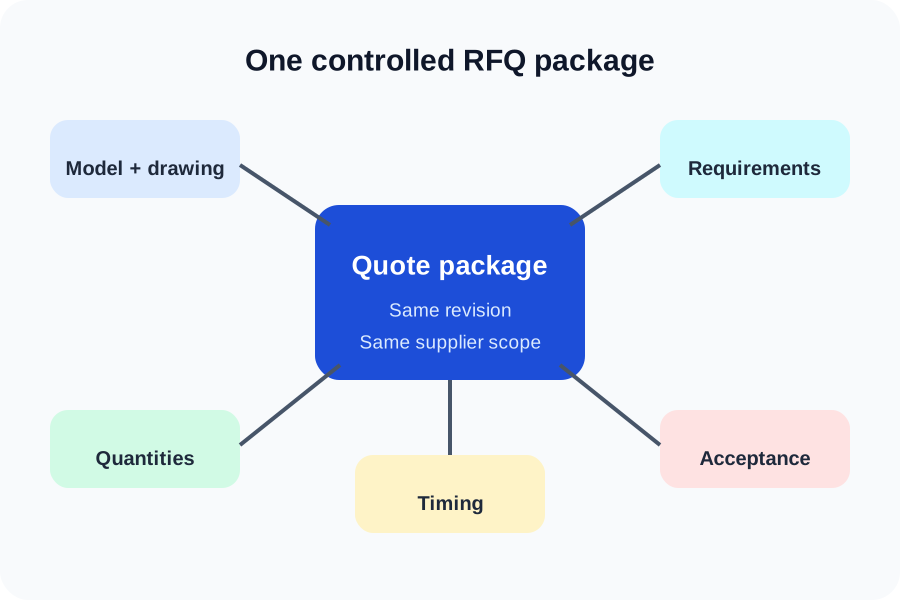
Use it with the data center hardware manufacturing hub, review the relevant manufacturing capabilities, then prepare the controlled files and acceptance criteria before submitting an RFQ.
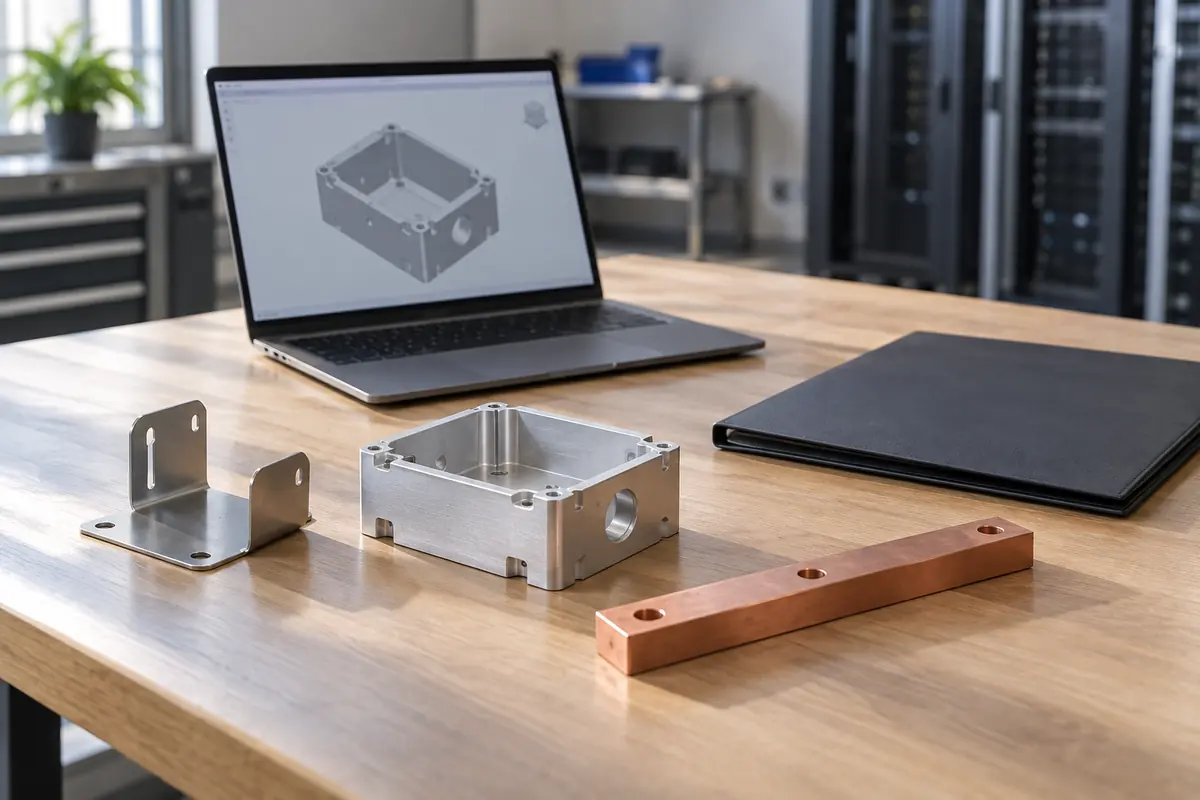
Send controlled design files
A supplier needs both geometry and the requirements that geometry alone cannot carry.
Include a neutral 3D model and a controlled PDF drawing for each custom part. Use clear filenames and put the revision on the drawing, purchase request, and file package.
Add assembly context when a component must align with rails, boards, connectors, hoses, seals, or neighboring panels.
- STEP or other agreed neutral model
- Controlled PDF drawing with revision
- Assembly view for critical interfaces
- BOM or scope list separating custom and purchased items
Define quantity, timing, and supply scope
Prototype and production quotes answer different commercial questions.
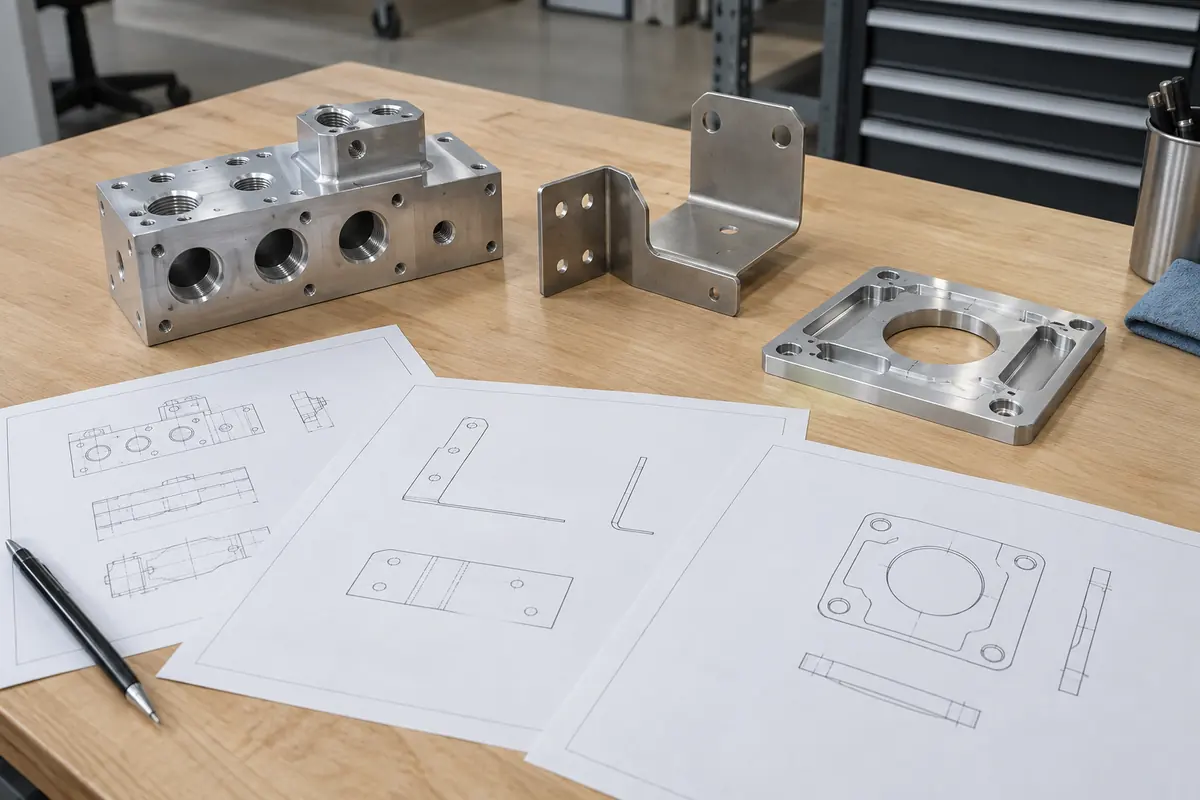
List quantity by phase, requested delivery date, target build location, and whether the supplier should quote tooling, finishing, hardware installation, packaging, or special handling.
If volume is uncertain, request named quantity breaks rather than one blended estimate. Keep forecasts separate from committed order quantities.
- Quantity by prototype, pilot, and production phase
- Requested delivery date and ship-to region
- Included operations and supplier-furnished items
- Named quantity breaks and forecast assumptions
| RFQ field | Decision it supports |
|---|---|
| Quantity by phase | Process and tooling choice |
| Delivery need | Capacity and lead-time review |
| Supply scope | Comparable supplier pricing |
State acceptance and documentation needs
Ask for records only when they support a defined requirement.
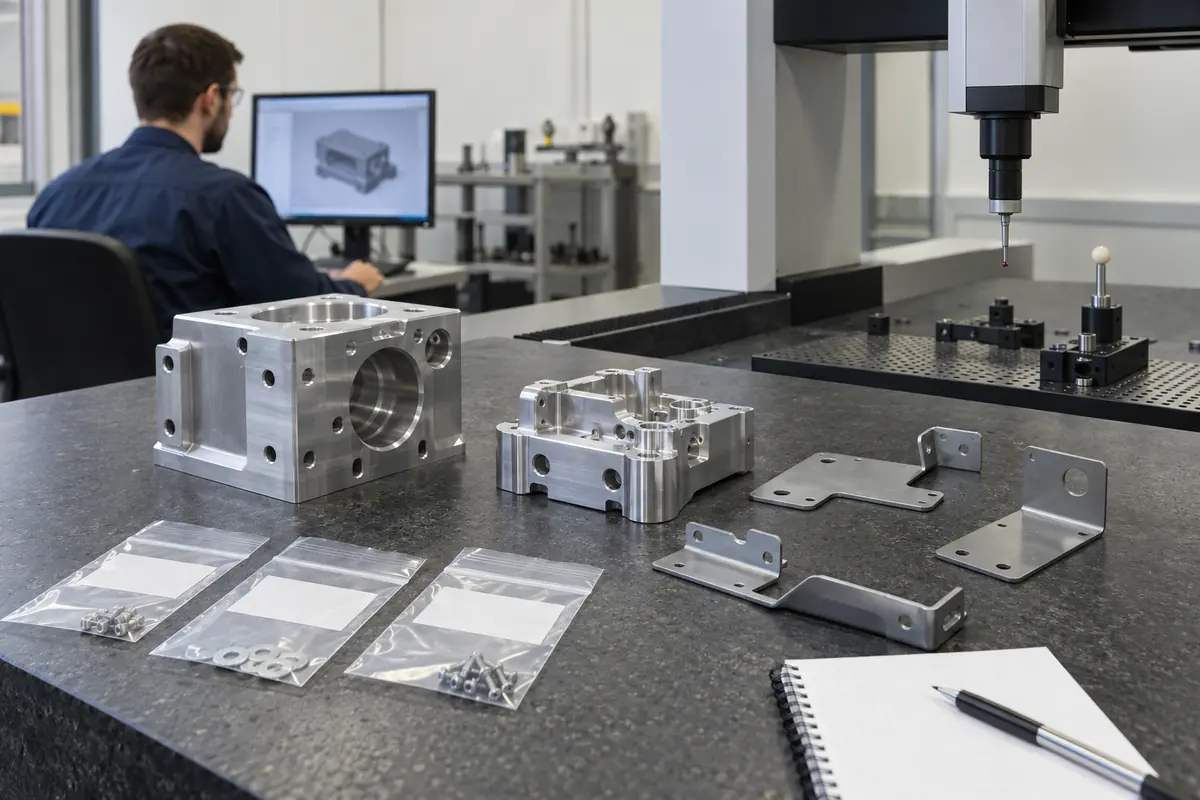
Identify critical characteristics, datum scheme, sampling expectation, and any requested dimensional or material documentation. MakerStage can quote inspection reports, CMM reports, and material test reports when requested.
Do not use a report request as a substitute for acceptance criteria. The drawing or specification should state what is measured and what result passes.
- Critical characteristics and datums
- Sampling or first-article expectation
- Dimensional-report or CMM-report request
- Material test report request and traceability scope
Resolve assumptions before award
A useful DFM review converts open questions into controlled decisions.
MakerStage includes a free DFM review with each RFQ. Review proposed process changes, tolerance questions, alternate materials, finish details, and inspection access before accepting the quote.
Record approved answers in the controlled package. Email history alone is a weak source of truth for future builds.
- Disposition every supplier assumption
- Update the model or drawing when requirements change
- Identify approved alternates explicitly
- Issue one final revision for the order
Use the checklist to define a quote, not to delegate system design
- MakerStage reviews manufacturability for the supplied requirements
- The OEM owns design intent and acceptance criteria
- Reports and records must be requested in the quoted scope
- System testing and certification require separate specifications
Technical references
These primary references provide system context. Project requirements still belong in the customer-controlled drawing and specification.
Frequently Asked Questions
Is a 3D model enough for an RFQ?
Which quality records can I request?
Does MakerStage provide DFM feedback?
Related Resources
Bring a controlled component package
Upload the model, drawing, quantity, revision, and requested records. MakerStage will review manufacturability against the supplied scope.
Start an RFQ